Inspect inputs without sending them away
Decode tokens, format JSON, test regex, compare diffs, convert timestamps, and parse cron expressions locally.
 WringGet Wring
Private macOS developer toolkit
A private macOS menu bar app for JWTs, hashes, JSON, regex, timestamps, colors, diffs, load monitoring, and Keychain-backed .env secrets.
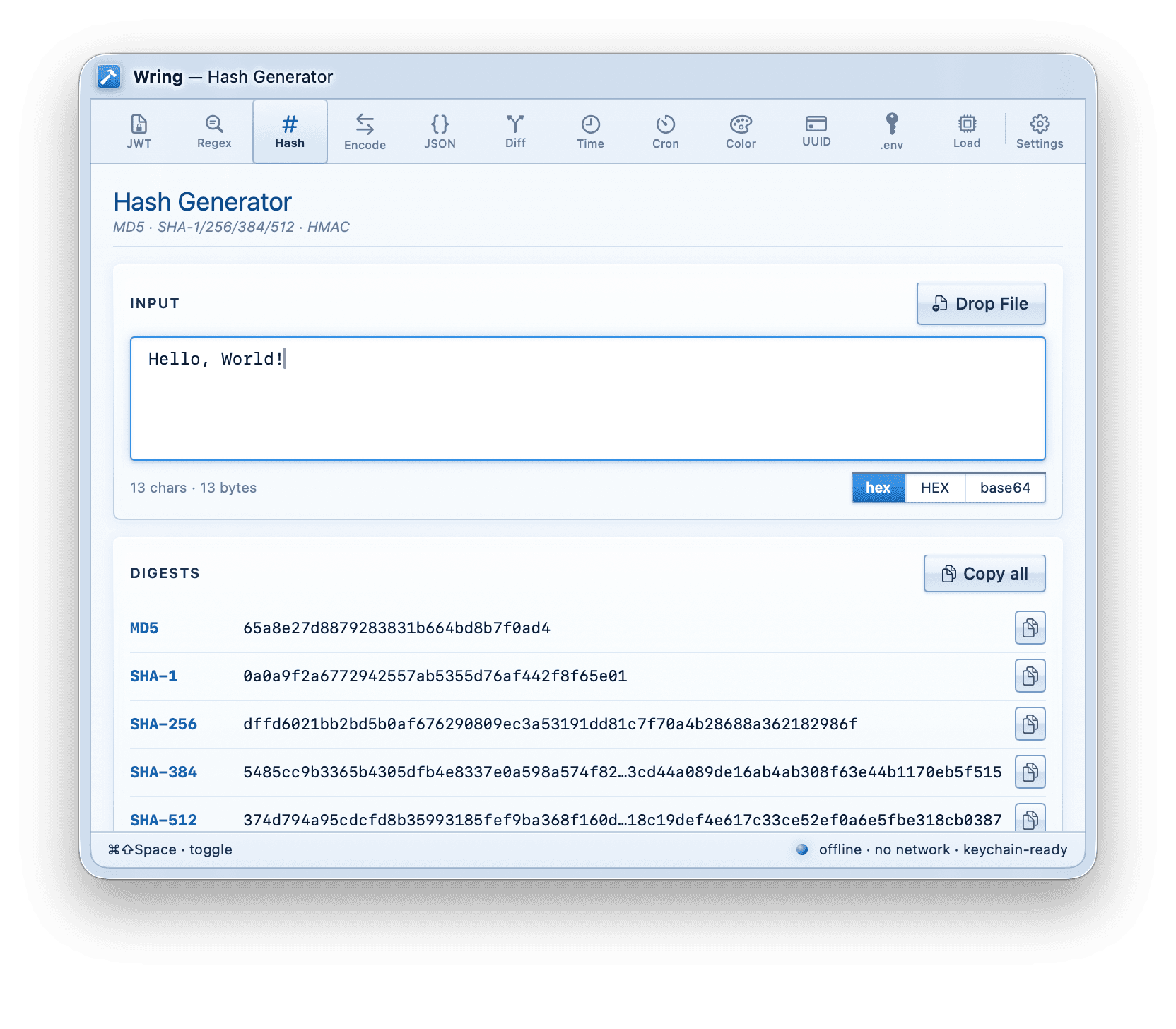
Designed for quick, local work
Wring is intentionally small, native, and private. Open it from any app, process the thing in front of you, copy the result, and get back to your editor without opening browser tabs full of sensitive data.
Toolset
12 built-in toolsWorkflow
Decode tokens, format JSON, test regex, compare diffs, convert timestamps, and parse cron expressions locally.
.env values are stored in the macOS Keychain and can be protected with Touch ID or your device password.
Use one global shortcut, clipboard-aware suggestions, and a compact menu bar window built for quick developer work.
Local by design
Wring has no accounts, no analytics, no telemetry, and no app network entitlement. The privacy story is simple because the app is built to be simple.
FAQ
No. Wring is an offline macOS menu bar app. Tool input is processed locally on your Mac, and the app is built without network client or server entitlements.
Wring includes JWT, Regex, Hash, Encode, JSON, Diff, Time, Cron, Color, UUID, .env Manager, and Load Monitor tools.
The .env manager stores values in the macOS Keychain. Values can be protected with macOS authentication such as Touch ID or your device password.
Wring v1 is built for macOS 26 or later so it can use the newer native SwiftUI behavior the app is designed around.

One-time purchase. No account. No subscription dashboard waiting behind the utility you needed thirty seconds ago.
Mac App Store listing in progress